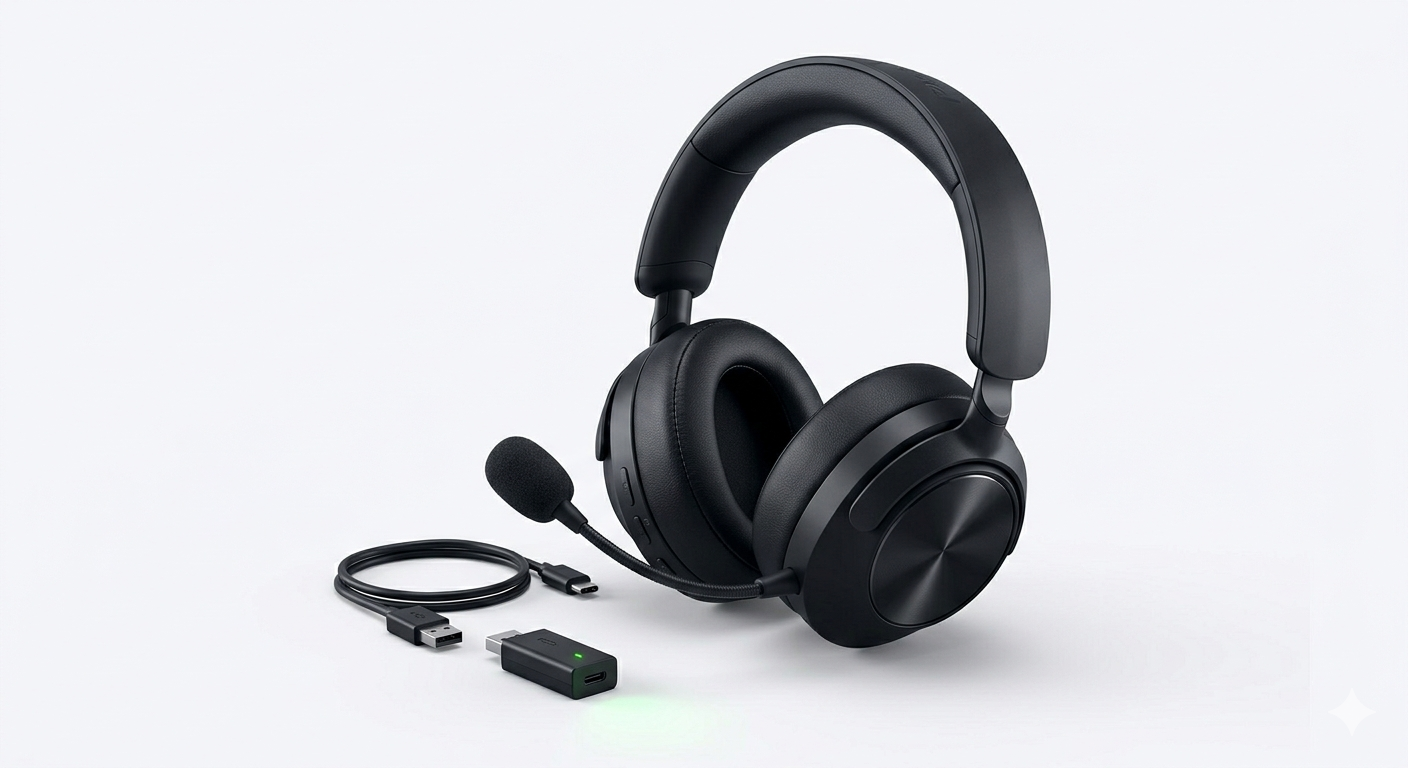
If you want to know How to Connect Bluetooth Headphones to PS5 and you’ve tried connecting your Bluetooth headphones to your PlayStation 5, you’ve probably noticed something frustrating:
It doesn’t work.
Unlike smartphones or laptops, the PlayStation 5 does not support standard Bluetooth audio devices.
But here’s the good news:
You can still connect Bluetooth headphones to PS5 — you just need the right method.
This guide will show you exactly how to do it step by step, along with the pros, cons, and best solutions depending on your situation.
Why PS5 Doesn’t Support Bluetooth Headphones
Before jumping into solutions, it’s important to understand the reason.
The PS5 blocks most Bluetooth headphones because:
- Audio delay can ruin gameplay
- Bluetooth interferes with controllers
- Sony prioritizes low-latency gaming audio
That’s why PS5 supports:
- Wired headphones
- Official wireless headsets (USB dongle-based)
Method 1: Use a Bluetooth Adapter
This is the most reliable and widely used method.
What You Need:
- A Bluetooth adapter (USB or 3.5mm)
- Your Bluetooth headphones
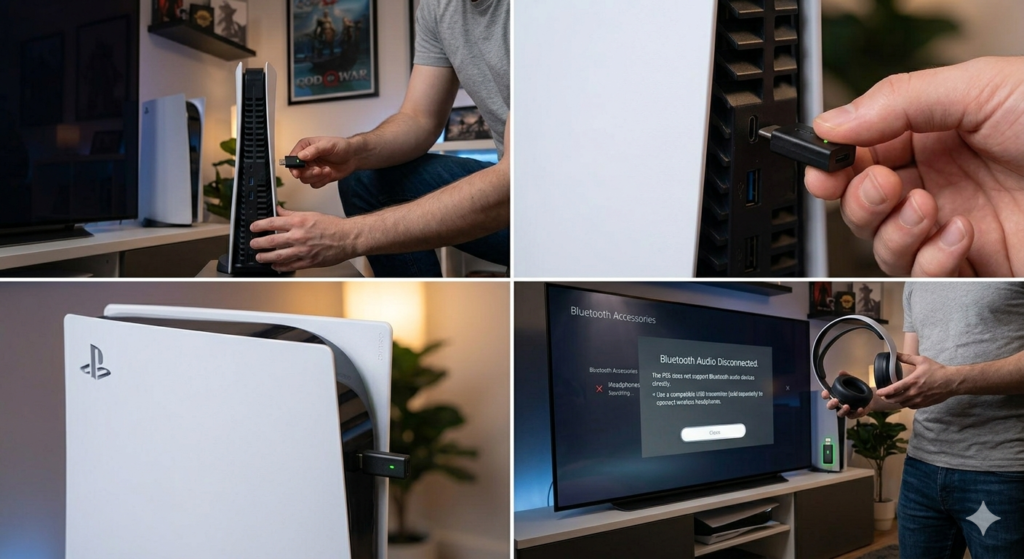
Steps:
- Plug the Bluetooth adapter into your PS5 (USB port or controller jack)
- Put your headphones in pairing mode
- Pair them with the adapter
- Go to Settings > Sound > Audio Output
- Select the adapter as output device
Pros:
- Works with almost all headphones
- Easy setup
Cons:
- Slight audio delay may occur
Method 2: Connect via Your TV
If your TV supports Bluetooth, this is the easiest workaround.

Steps:
- Open your TV’s Bluetooth settings
- Pair your headphones
- Set TV audio output to Bluetooth
Pros:
- No extra device needed
- Quick setup
Cons:
- More delay than adapter
This method is best for watching movies rather than competitive gaming.
Method 3: Use Remote Play
Sony offers Remote Play through mobile devices and computers.
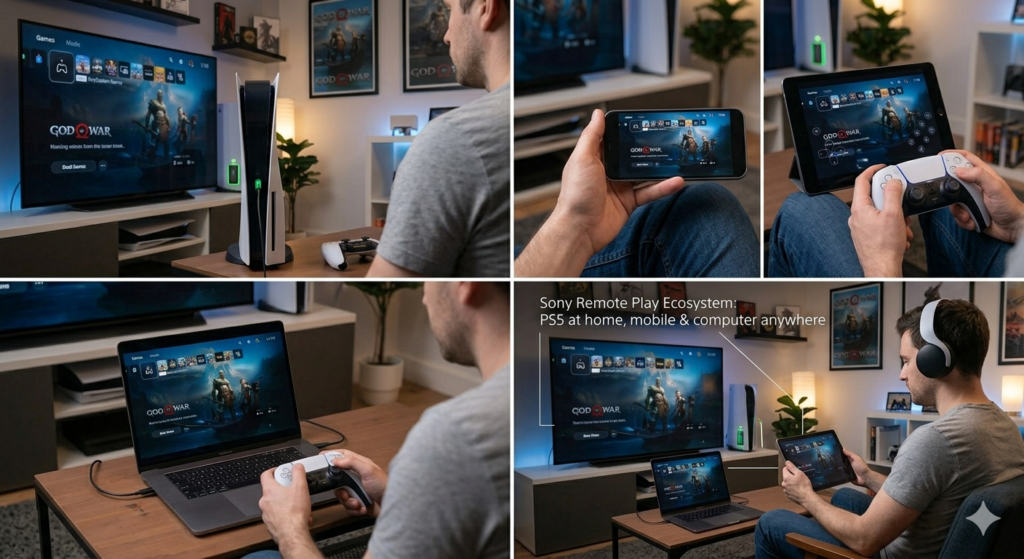
Steps:
- Install PS Remote Play
- Connect your PS5
- Use Bluetooth headphones on your device
Pros:
- Works without adapter
Cons:
- Depends on internet quality
- Not ideal for fast-paced games
Method 4: Use PS5-Compatible Wireless Headsets
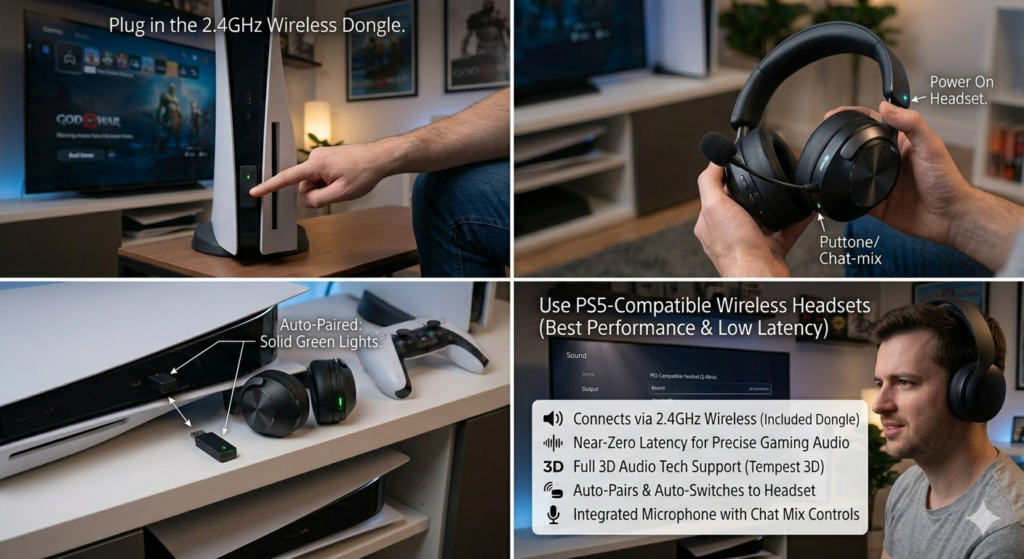
If you want zero lag, skip Bluetooth entirely.
Use headsets with a USB dongle (2.4GHz wireless), specifically designed for gaming.
Pros:
- No latency
- Full microphone support
- Best audio quality
Cons:
- More expensive
Common Problems and Fixes
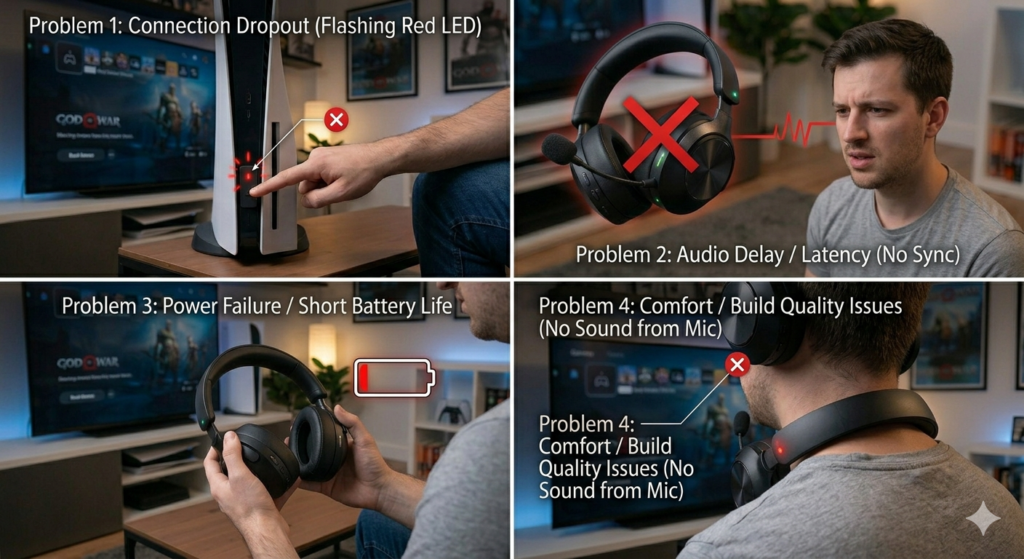
Audio Delay (Lag)
Problem: Sound does not match gameplay
Fix:
- Use a low-latency adapter
- Avoid TV Bluetooth
- Use wired headphones for competitive gaming
Microphone Not Working
Problem: Audio works but microphone does not
Reason:
Most Bluetooth adapters do not support mic input
Fix:
- Use a wired microphone
- Or switch to a gaming headset
Adapter Not Recognized
Fix:
- Try a different USB port
- Restart your PS5
- Update system software
Best Bluetooth Adapters for PS5
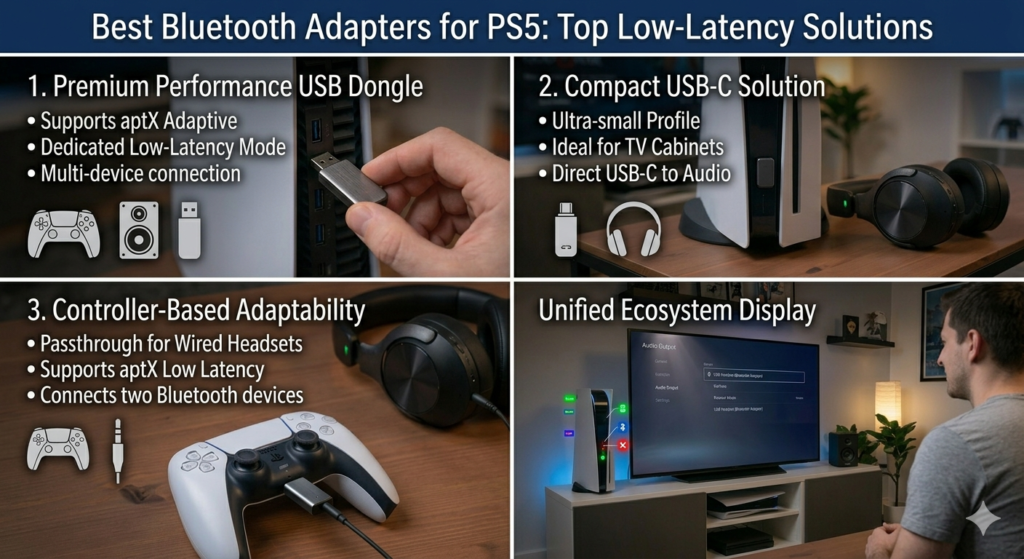
When choosing an adapter, look for:
- Low latency support (such as aptX Low Latency)
- USB compatibility
- Dual pairing support
Lower-quality adapters usually result in more delay, while better ones provide a smoother experience.
Pro Tips
- Connect the adapter directly to the PS5 instead of using a USB hub
- Keep headphones close to avoid signal issues
- Avoid low-quality, unbranded adapters
Final Verdict
You can use Bluetooth headphones with PS5, but it is not the ideal gaming setup.
Best options ranked:
- Wireless headset with USB dongle
- Wired headphones
- Bluetooth headphones with adapter
Conclusion
Connecting Bluetooth headphones to PS5 is not straightforward, but it is possible with the right approach.
If your goal is:
- Best performance, use a gaming headset
- Convenience, use a Bluetooth adapter
- Casual use, the TV method is sufficient
FAQs: Bluetooth Headphones and PS5
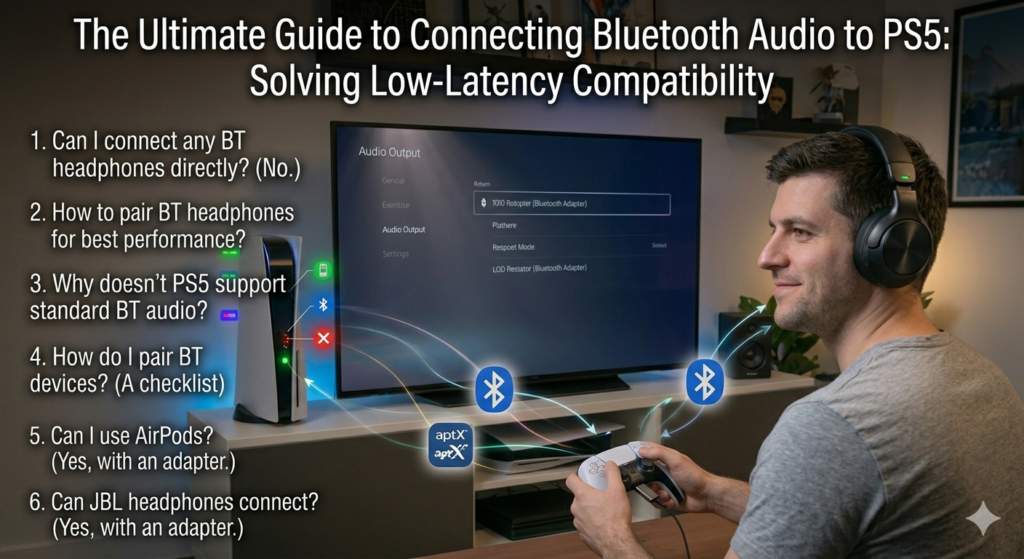
Can I connect any Bluetooth headphones to PS5?
No, you cannot connect Bluetooth headphones directly to the PlayStation 5. However, you can use them with a Bluetooth adapter or by connecting through your TV.
How to pair Bluetooth headphones to a PlayStation 5?
To pair Bluetooth headphones, you need a Bluetooth adapter. Plug the adapter into your PS5, put your headphones in pairing mode, and connect them through the adapter.
Why doesn’t my PS5 support Bluetooth audio?
The PS5 does not support Bluetooth audio due to latency issues and potential interference with controllers. Sony prioritizes stable, low-delay audio for gaming.
How do I pair Bluetooth devices with my PS5?
The PS5 only supports certain Bluetooth devices like controllers. For audio devices, you need an external Bluetooth adapter or alternative methods such as TV connection or Remote Play.
Can I use AirPods on PS5?
Yes, but not directly. You can use AirPods with PS5 by connecting them through a Bluetooth adapter or via your TV’s Bluetooth settings.
Can JBL headphones connect to PS5?
JBL Bluetooth headphones cannot connect directly to PS5. You will need a Bluetooth adapter or another workaround to use them.